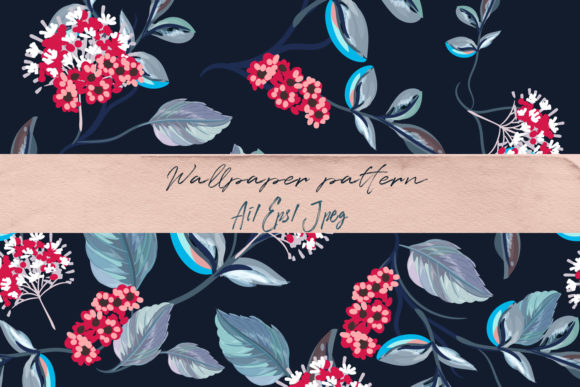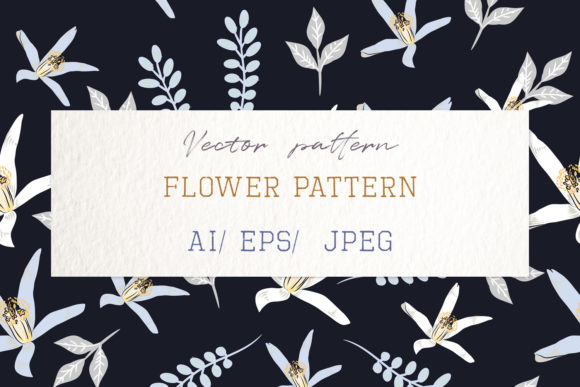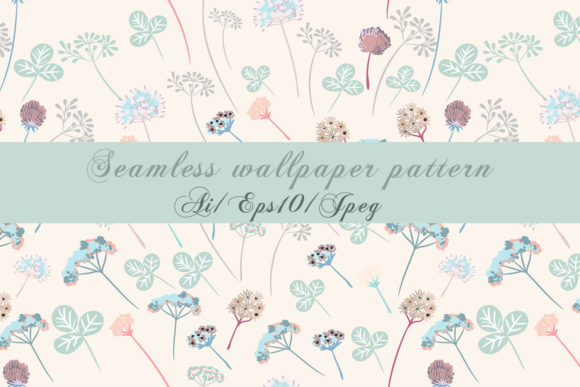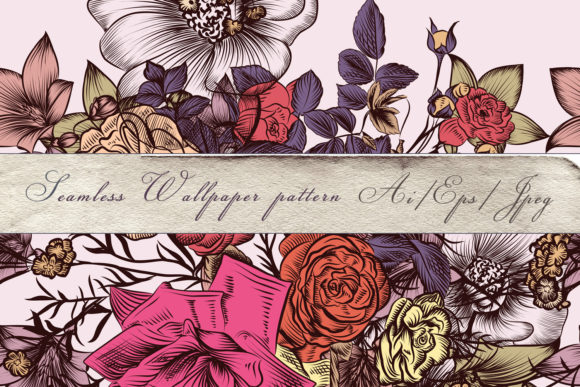
Floral Vector Pattern with Drawn Flowers
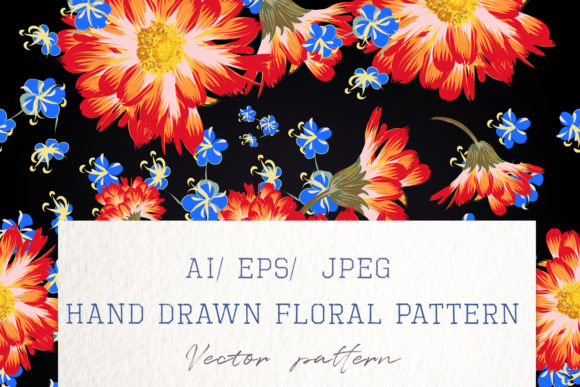
If you're designing for elegance, warmth, or timeless charm—whether it's a wedding invitation suite, boutique fabric line, or a luxury brand’s digital background—the Floral Vector Pattern with Drawn Flowers delivers precision and soul in equal measure. Unlike generic clipart or over-processed stock patterns, this collection is built from the ground up as hand-drawn vector art: each petal, stem, and leaf was crafted deliberately, then converted into scalable vector paths without losing its organic texture or expressive line quality.
Why Hand-Drawn Vectors Stand Apart
Most seamless floral patterns fall into one of two categories: overly rigid geometric repeats or soft, pixel-based illustrations that blur when enlarged. This pattern bridges that gap. It’s 100% vector-based, meaning every curve, taper, and flourish remains razor-sharp at any size—from a business card to a 20-foot event backdrop. Yet it doesn’t feel sterile. The linework retains subtle variation: slight pressure shifts, gentle tapering at stem ends, and overlapping layers that mimic real ink-on-paper layering. That human touch is what makes it resonate emotionally—especially in contexts where authenticity matters.
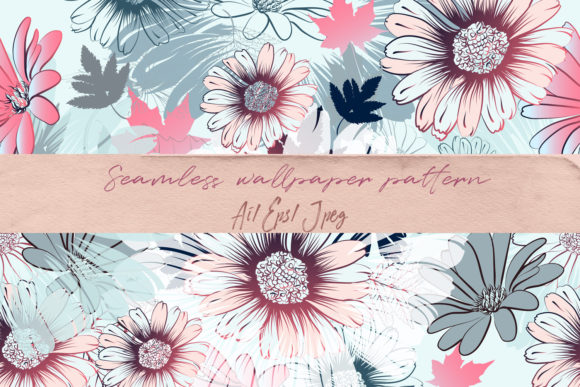
The design follows a classic botanical aesthetic: balanced asymmetry, soft color transitions (in raster previews), and intentional negative space between motifs. It’s not overcrowded, nor is it sparse—it breathes. And because it’s truly seamless, tiling across large surfaces feels natural, not repetitive. You won’t spot awkward joins or visual “stutters” when repeated across wallpaper, fabric bolts, or web backgrounds.
What You Actually Get—and Why Format Matters
You receive three core assets:
- One Adobe Illustrator CS2 file — fully editable, layered, and named logically. Type layers are outlined; swatches are organized; groups are labeled by motif (e.g., “Ranunculus Cluster”, “Eucalyptus Vine”). Ideal for designers who need to recolor, isolate elements, or adapt spacing.
- One EPS10 file — compatible with older and newer vector software (CorelDRAW, Affinity Designer, InDesign). Preserves clipping masks and transparency—critical if you’re integrating into print production workflows.
- One high-res JPEG preview (5000×5000 px) — useful for client presentations, mood boards, or quick mockups in non-vector tools like Canva or Figma.
No hidden layers. No missing fonts. No rasterized shadows masquerading as vectors. Everything is native, clean, and production-ready.
Real-World Uses Across Industries
This isn’t just “pretty decoration.” It’s functional design infrastructure.
Wedding & Event Professionals use it to unify stationery suites—letterpress invitations, foil-stamped menus, and digital RSVP cards—all sharing the same underlying rhythm. Because the vector files scale infinitely, you can output crisp 300 DPI files for letterpress plates *and* export lightweight SVGs for animated email headers—same source, zero rework.
Fabric Designers & Boutique Brands apply it directly to textile mockups. The repeat tile fits standard fabric widths (e.g., 54" or 140 cm) with minimal adjustment. Since stems and blooms interlock gracefully, seam allowances stay unobtrusive—even on bold-scale prints for upholstery or scarves.
Educators & Content Creators integrate motifs into lesson plans (botany units), printable worksheets, or branded slide decks. A single stem element can become a bullet point; a cluster becomes a section divider. Because it’s vector, you can recolor it to match school colors or accessibility contrast standards—no loss of fidelity.
Digital Marketers & Bloggers deploy it as subtle background textures behind testimonials or service sections—soft enough not to compete with text, strong enough to signal craftsmanship. Used sparingly (e.g., as a header band or border), it adds tactile sophistication to otherwise flat UI layouts.
Practical Considerations Before You Use It
First: check your software version. While EPS10 works broadly, some legacy versions of Illustrator may require manual cleanup of transparency effects. If you’re using Affinity Designer or Inkscape, open the EPS first to verify clipping behavior—then switch to the AI file for full editability.
Second: consider color strategy early. The JPEG preview uses warm, muted tones—but vectors contain no fixed color. You’re free to assign Pantones for print, HEX values for web, or even gradient meshes for dimensional depth. Don’t treat the preview as a palette; treat it as a mood guide.
Third: test scaling *before* final output. Zoom to 400% in Illustrator and inspect anchor points along curved petals. If lines appear jagged (unlikely, but possible with certain export settings), adjust your PDF/X-4 or SVG export preset to preserve curves rather than simplify them.
And finally—don’t overlook licensing. This pattern is intended for both personal and commercial use, including client work and physical product resale (e.g., printed notebooks, ceramic mugs). But redistribution of the raw vector files—as part of a template pack or design asset library—is not permitted. That protects both the artist’s craft and your own brand integrity.
When Simplicity Meets Sophistication
In an age of AI-generated patterns flooding marketplaces, the Floral Vector Pattern with Drawn Flowers stands out not because it’s complex—but because it’s considered. Every decision, from stroke weight to motif density, serves a purpose: legibility at small scale, cohesion at large scale, warmth in tone, and flexibility in application.
It’s the kind of asset you return to—not because it’s trendy, but because it works, quietly and consistently, across projects that span years, not weeks. Whether you’re a freelancer juggling five clients, a small-batch maker launching your first fabric line, or a teacher building classroom resources, this pattern saves time *without* sacrificing voice. You’re not buying pixels or paths—you’re investing in a visual language that communicates care, detail, and intentionality.
That’s not just design. That’s communication with texture.