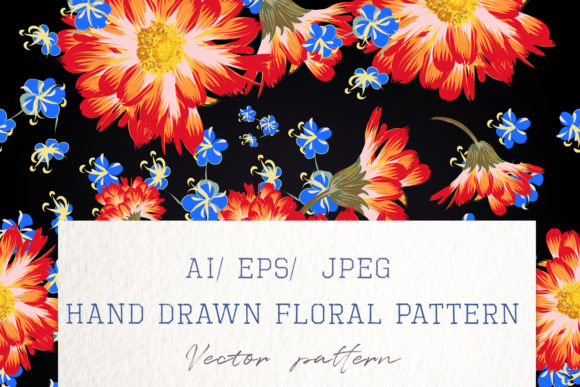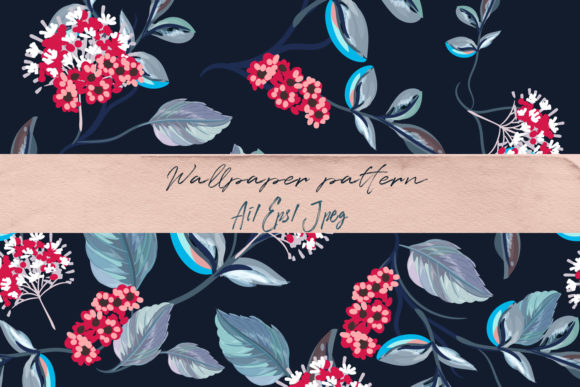
Floral Vector Pattern with Flowers
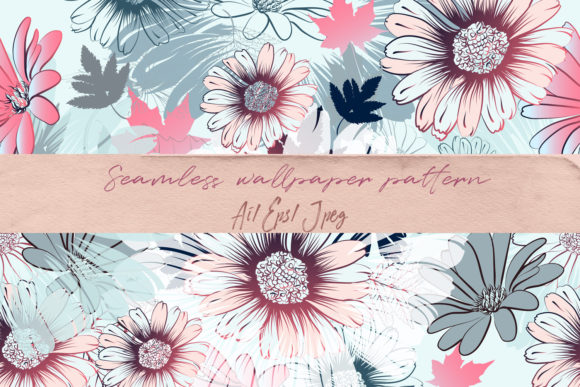
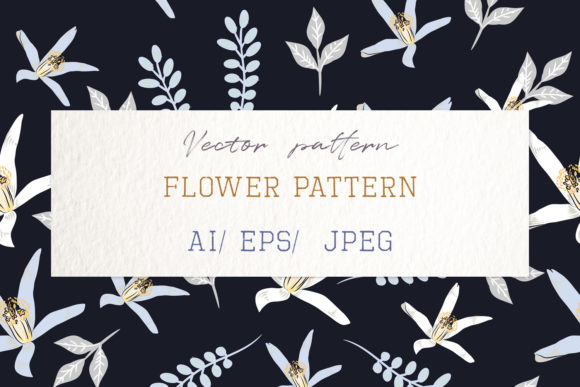
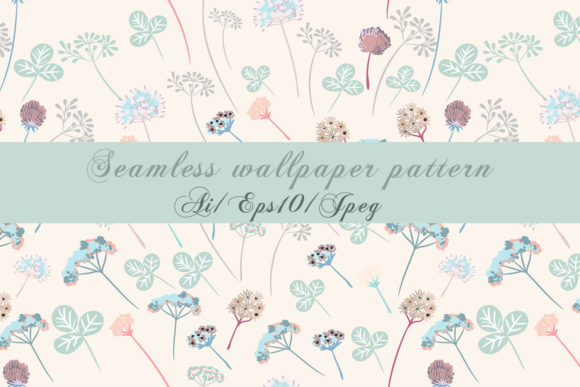
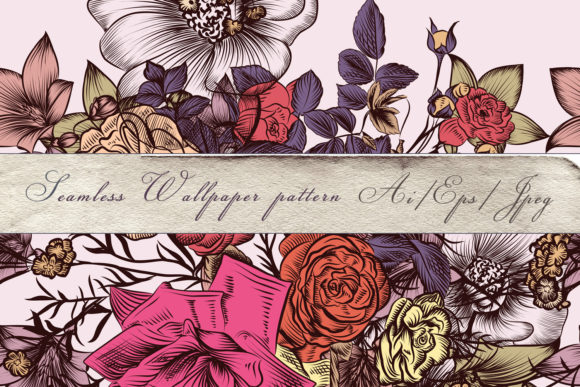
A Floral Vector Pattern with Flowers is a digitally crafted, endlessly scalable design made up of hand-drawn botanical elements—roses, peonies, eucalyptus, vines, and more—arranged in a repeating or seamless layout. Unlike pixel-based images, this pattern lives in vector format, meaning it’s built from mathematical paths rather than fixed dots. That’s why it stays crisp whether you’re printing it on a business card or blowing it up across an entire wall mural.
Why This Pattern Feels Timeless—and Why It Works So Well
This particular collection stands out for its watercolor style: soft edges, gentle pigment blooms, subtle texture, and delicate layering—all preserved faithfully in vector form. It’s not just “digital flowers.” It’s the warmth of traditional illustration, married to the precision and flexibility of modern design tools. Each bloom is carefully drawn, then converted without losing its organic charm—no stiff outlines, no robotic symmetry. That balance between classic elegance and technical reliability makes it especially valuable for projects where mood and quality matter.
What You’ll Actually Get—and Why Format Matters
You receive three key files: one AI (CS2) file for full editing in Adobe Illustrator, one EPS10 file for broad compatibility across design software, and a high-res JPEG preview (5000×5000 px) for quick viewing or mockups. The AI and EPS files let you change colors, isolate individual stems or blossoms, adjust spacing, or recolor elements to match your brand palette—all without degradation. The JPEG gives you something immediate to test in presentations or share with clients.
Real-Life Uses You Can Start With Today
Whether you're planning a wedding, launching a small product line, or designing classroom materials, this pattern adapts beautifully:
- Wedding stationery: Use it as a border on invitations, a background for place cards, or a subtle overlay on menu prints—soft enough to complement calligraphy, strong enough to hold visual interest.
- Fabric and textile design: Scale it to fit yardage for table linens, napkins, or even apparel. Because it’s vector, you avoid blurry repeats or awkward seams when tiling across wide swaths of material.
- Digital backdrops and social content: Drop it into Zoom backgrounds, Instagram story templates, or Pinterest pins. Its watercolor softness adds warmth without overwhelming text or photos.
- Wallpaper and interior decor: Print it large-scale for accent walls, nursery murals, or café interiors. Its classic floral rhythm feels familiar yet refined—not trendy, but quietly confident.
- Educational and craft resources: Teachers use it for printable worksheets with gentle visual cues; hobbyists cut it for vinyl decals, scrapbooking layers, or embroidery transfers.
Who Benefits Most—and Why
Beginners appreciate how easy it is to drop in and customize—no drawing skills needed. Designers love the clean vectors for fast iteration. Small business owners find it cost-effective: one purchase supports dozens of applications, from packaging labels to email headers. Bloggers and educators use it to elevate visuals without licensing headaches. Even marketers building cohesive seasonal campaigns (think spring launches or bridal season) rely on patterns like this to unify tone across touchpoints.
It’s also ideal if you’ve ever struggled with raster-based floral graphics that pixelate when enlarged—or worse, look stiff and artificial. Here, every petal retains its natural variation. Every leaf has believable taper and weight. That attention to detail isn’t just aesthetic—it builds trust. People respond to authenticity, even in decorative elements.
Things to Keep in Mind Before You Use It
First, check your software compatibility. While EPS10 works widely, older versions of some programs may require minor adjustments. If you’re using Affinity Designer, CorelDRAW, or Inkscape, open the EPS first to confirm smooth import—most do, but testing takes seconds and saves time later.
Second, consider color context. Watercolor-style florals often include subtle grays, warm undertones, or muted greens. If you need strict Pantone matching for print jobs, plan to adjust swatches manually—vector files give you full control, but they don’t auto-convert to spot colors.
Third, think about scale and repetition. Though seamless by design, very tight tile spacing can sometimes create visual noise at small sizes. For business cards or icons, try zooming out slightly or reducing density in your layout. For wallpaper or fabric, lean into the full repeat—it’s where the rhythm shines.
And finally: while this pattern is versatile, it’s not generic. Its classic sensibility suits weddings, boutiques, wellness brands, and heritage-inspired products—but may feel mismatched with ultra-minimalist tech startups or gritty streetwear lines. That’s not a limitation—it’s clarity. Knowing what it *does* well helps you use it with intention.
A Thought for Creators Just Getting Started
If you’re new to working with vectors, start simple. Open the AI file, select one flower, and change its fill color. Duplicate it, rotate it slightly, and drag it into a corner. Try grouping a few elements and applying a light drop shadow for depth. You’ll quickly see how flexible—and forgiving—this kind of asset is. There’s no pressure to master everything at once. The strength of a Floral Vector Pattern with Flowers lies in how gently it invites experimentation.
It’s also worth noting: because it’s hand-drawn first, then vectorized, it carries a quiet human signature—something algorithms still struggle to replicate convincingly. That subtle imperfection? That’s what makes it feel alive. Whether you’re printing 50 wedding programs or designing a limited-run scarf collection, that authenticity travels with every use.
And since it comes with both vector and raster options, you’re covered whether you’re prepping for offset printing, web display, or client presentations. No guesswork. No last-minute exports. Just clean, ready-to-use art that respects your time—and your vision.